Courses

Data Analysis with Excel

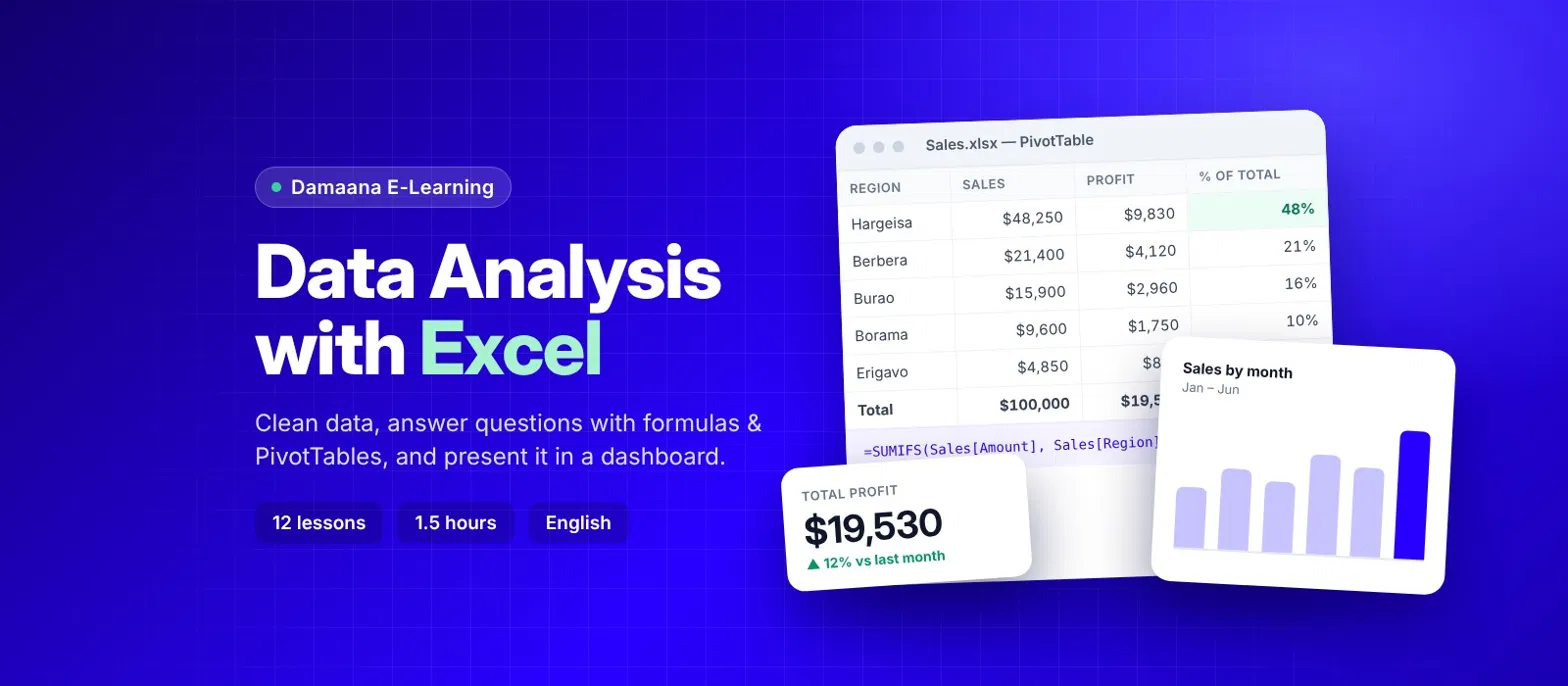
A practical 1.5-hour course: clean raw data, analyse it with formulas and PivotTables, and present the results in charts and a simple dashboard.

12 lessons 1 h 30 min Intermediate English
Data Analysis with Excel

What you will learn

Who is this course for?

  • Office staff, accountants and managers who receive data in Excel
  • NGO and research staff working with survey data
  • Students who want a practical, job-ready skill

What you will learn

  • Import and clean messy data (CSV, extra spaces, duplicates, blanks)
  • Organise data in Excel Tables
  • Answer questions with COUNTIFS, AVERAGEIFS, MEDIAN and XLOOKUP
  • Summarise thousands of rows in seconds with PivotTables
  • Choose the right chart and build a one-page dashboard with slicers

Course length

About 1.5 hours of lessons, plus a final project.

What you need

Microsoft Excel 2019, 2021 or 365 (XLOOKUP needs 2021/365 – VLOOKUP is shown as an alternative). Basic Excel (typing data, simple formulas) is enough.

Course outline

  1. Module 1 – Prepare the data
  2. Welcome: what is data analysis? Watch free
  3. Getting data into Excel 8 min
  4. Cleaning messy data 12 min
  5. Module 2 – Analyse
  6. Excel Tables: the base of every analysis 7 min
  7. Summary statistics with formulas 10 min
  8. Combining data with XLOOKUP 8 min
  9. PivotTables: summarise in seconds 10 min
  10. Module 3 – Present the results
  11. Choosing the right chart 8 min
  12. Conditional formatting and sparklines 5 min
  13. A one-page dashboard with slicers 7 min
  14. Module 4 – Practice
  15. Final project: analyse a sales dataset 9 min
  16. Formula cheat sheet (PDF) 1 min
Included in the Damaana School subscription
  • Basic$49 /month
  • Standard$99 /month
  • Enterprise$199 /month
See plans & prices →